
🚀 Don't Miss This Important Resource! Our Advance Collection Of AI Tools
Explore All Tools Now !Google Discover is one of the most powerful traffic sources available today. Unlike normal search—which requires ranking—Discover sends traffic instantly when your post matches user interest. And the biggest key to appearing in Google Discover is simple:
Your images must be optimized perfectly.
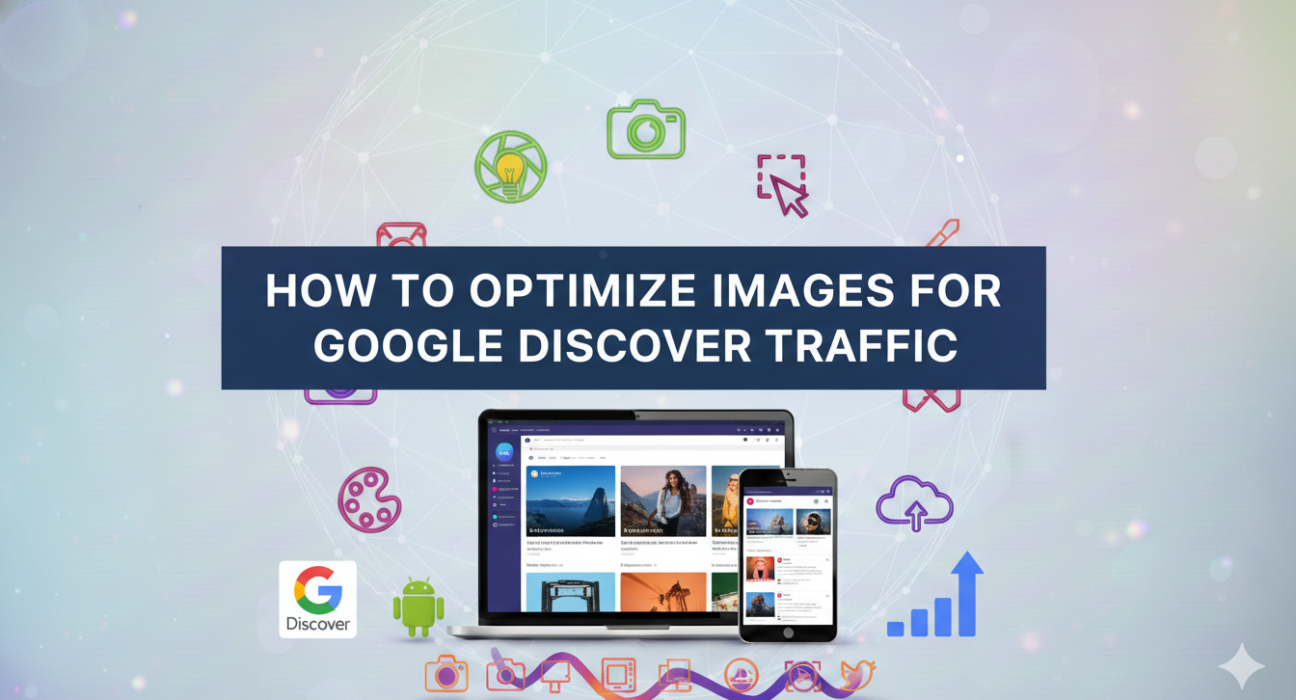
Yes, Google Discover is more visual than search. A single eye-catching image can bring thousands of visits overnight. In this guide, I’m breaking down exactly how to optimize images so your blog becomes Discover-friendly and consistently reaches new readers.
Why Google Discover Loves Images
Discover is designed like a social feed. Users scroll quickly, and posts with strong, high-quality images get the highest CTR. Your content may be excellent, but without the right visual, Discover simply ignores it.
- ✔ Big, bold images improve clicks
- ✔ Higher CTR = More Discover impressions
- ✔ Emotion + clarity = stronger user engagement
- ✔ Image quality influences which posts Google tests first
Let’s learn how to optimize images the right way.
1️⃣ Use Large Images (1200×675 px Minimum)
Google has confirmed that Discover prefers large, high-resolution images. The recommended size is:
📌 1200 × 675 pixels (16:9 ratio)
This is the same size used by premium news sites, top blogs, and YouTube thumbnails. Smaller images do not get featured prominently.
Best Practices:
- ✔ Always upload at least 1200px width
- ✔ Use JPG or PNG for clarity
- ✔ Avoid blurry or stretched visuals
- ✔ Keep aspect ratio consistent across your blog
Google often tests posts with clean visuals before anything else.
2️⃣ Use High-Contrast, Eye-Catching Design
Discover is crowded. To stand out, your images need to pop. High-contrast designs consistently deliver higher CTR.
What works:
- ✔ Dark backgrounds + bright text
- ✔ Clear subject focus
- ✔ Simple layout
- ✔ Bold typography
Think of Discover like a news feed. The most clickable images are the ones that demand attention instantly.
3️⃣ Add Text on Image — But Keep It Clean
Unlike Google Search (which prefers no text on images), Discover actually performs better when images include minimal, bold text.
For example:
- ✔ “AI Tools 2025”
- ✔ “YouTube Tips”
- ✔ “Image Optimization Guide”
Text works when it supports the title, not replaces it.
Rules:
- ✔ Keep text 4–6 words maximum
- ✔ Use readable fonts
- ✔ Avoid clutter
4️⃣ Use Emotion-Based Visuals
Discover responds strongly to emotional triggers. Images that show energy, expression, or excitement engage users faster.
Examples:
- 🔥 Excitement (bright colors)
- 😮 Surprise elements
- 🚀 Action-oriented graphics
- ✨ Clean modern gradients
AI-generated images now make this extremely easy.
5️⃣ Compress Images (But Keep Quality High)
Speed matters. Google recommends fast-loading visuals for Discover eligibility.
Use tools like:
Ideal size: Under 200–300 KB
But never compromise clarity.
6️⃣ Use ALT Tags with Context
ALT text helps Google understand the image. It also improves accessibility.
Good ALT example:
“High contrast image showing AI thumbnail testing design for Google Discover”
Bad ALT example:
“Image123.png”
7️⃣ Add Your Branding (But Subtle)
Google Discover posts circulate heavily. Adding your brand logo helps increase recognition without harming CTR.
Branding Tips:
- ✔ Place logo bottom-right
- ✔ Keep opacity 80–90%
- ✔ Avoid covering the main subject
Readers should recognize your content instantly.
8️⃣ Avoid AI Watermarks or Copyrighted Material
Google penalizes images with:
- ❌ Watermarks
- ❌ Overly artificial AI artifacts
- ❌ Stock photo watermarks
Use AI tools like Midjourney, Canva AI, or Adobe Firefly safely without leaving watermarks.
9️⃣ Add Open Graph (OG) Tags for Large Images
This is one of the most important steps for Discover, especially for Blogger:
This ensures Google picks your large image instead of a small one.
10️⃣ Keep a Consistent Visual Style Across Your Blog
Google prefers blogs that look visually consistent.
- ✔ Same color theme
- ✔ Same font style
- ✔ Same image ratio (always 16:9)
This builds trust and improves Discover eligibility.
Conclusion
Optimizing images for Google Discover is easier than it looks. With the right image size, clean design, bold colors, and proper compression, your blog becomes Discover-ready.
Good visuals = more clicks More clicks = more Discover traffic More Discover traffic = faster blog growth
Start using these optimization steps today and your blog will stand out in the Discover feed consistently in 2026 and beyond.