
Picture this: You’ve just launched your beautiful website, but it takes forever to load. Nine times out of ten, the culprit is your images. Those stunning high-resolution images are secretly dragging down your page speed and driving visitors away.
This guide covers how to compress your images without turning them into a pixelated disaster and how you can automate the process to keep your site running smoothly.
Why image compression is crucial for your website
Think of uncompressed images as that friend who brings way too much luggage on a weekend trip. Sure, they’re prepared for anything, but they’re also slowing everyone down at the airport.
Here’s what happens when you compress your images properly:
- Faster loading times: Smaller images mean less data to transfer, which means happier users who actually stick around to see your content and increase your conversion rate.
- Better SEO ranking: Search engines love speedy sites. Better page performance can boost your SEO rankings — and who doesn’t want to climb those search results?
- Better user experience: With most people browsing on their phones, optimized images make their experience smoother, especially when they’re dealing with poor network connections.
- Hosting and bandwidth savings: Smaller files mean less storage and bandwidth usage. Your wallet will thank you, especially as your traffic grows.
ALSO READ: WhatsApp Status & Profile Picture Image Size Guide
Understanding image compression: Lossy vs. Lossless
Image compression algorithms are like really smart editors. They look at your image and think, “What can we optimize here without ruining the experience?” They analyze which details your eyes will actually notice and which ones you probably won’t notice if they are gone.
The “quality” of an image refers to how much detail is packed in there. More detail = bigger file size. It’s a classic trade-off, but it gets interesting when you consider the two main types of compression: lossy and lossless.
Lossy compression
This approach is like that editor who’s not afraid to make tough cuts. It removes data that it thinks you won’t miss, resulting in dramatically smaller file sizes. The trade-off? Some image quality goes out the window.
Here’s the catch: once you go lossy, there’s no going back to the original. You’re working with a new, leaner version of your image. JPEG is the classic example of lossy compression, but modern formats like WebP and AVIF also offer lossy options that can achieve even better results.
Push it too far, and you’ll start seeing artifacts — those annoying visual distortions that make your images look like they’ve been through a digital blender.
Lossless compression
This compression method is for folks who want to have their cake and eat it too. Instead of deleting data, lossless compression finds clever ways to reorganize and optimize without losing a single pixel of information.
It does this by removing redundant and repetitive data and using algorithms to pack the data more efficiently.
The result? Crystal-clear images that can be restored to their original glory, though the file size savings are more modest. PNG, GIF, lossless AVIF, and lossless WebP are the go-to formats here.
Lossless is ideal in situations where every pixel counts, such as for logos, diagrams, and technical illustrations.
Let’s see these methods in action with an actual image:
This is the original image (1MB) in PNG
 Original image
Lossy compression (34KB — 97% size reduction, 50% quality)
 Lossy compression
Lossless compression (899KB — 12% size reduction)
 Lossless compression
Pretty dramatic difference, right? Lossy compression delivered massive space savings with some quality compromise, while lossless kept everything pristine with moderate savings.
How to compress images without losing quality
When compressing an image, there are a few tricks you can employ to ensure that it does not lose its quality, at least to the extent that is not noticeable to the human eye.
Use modern image formats like WebP and AVIF
WebP and AVIF allow you to compress images using either lossy or lossless. They both offer a drastic reduction in file size when you convert an image to their format. Using either of these formats will ensure that your image is served in a smaller size while still retaining good image quality.
Size matters: Resize to fit
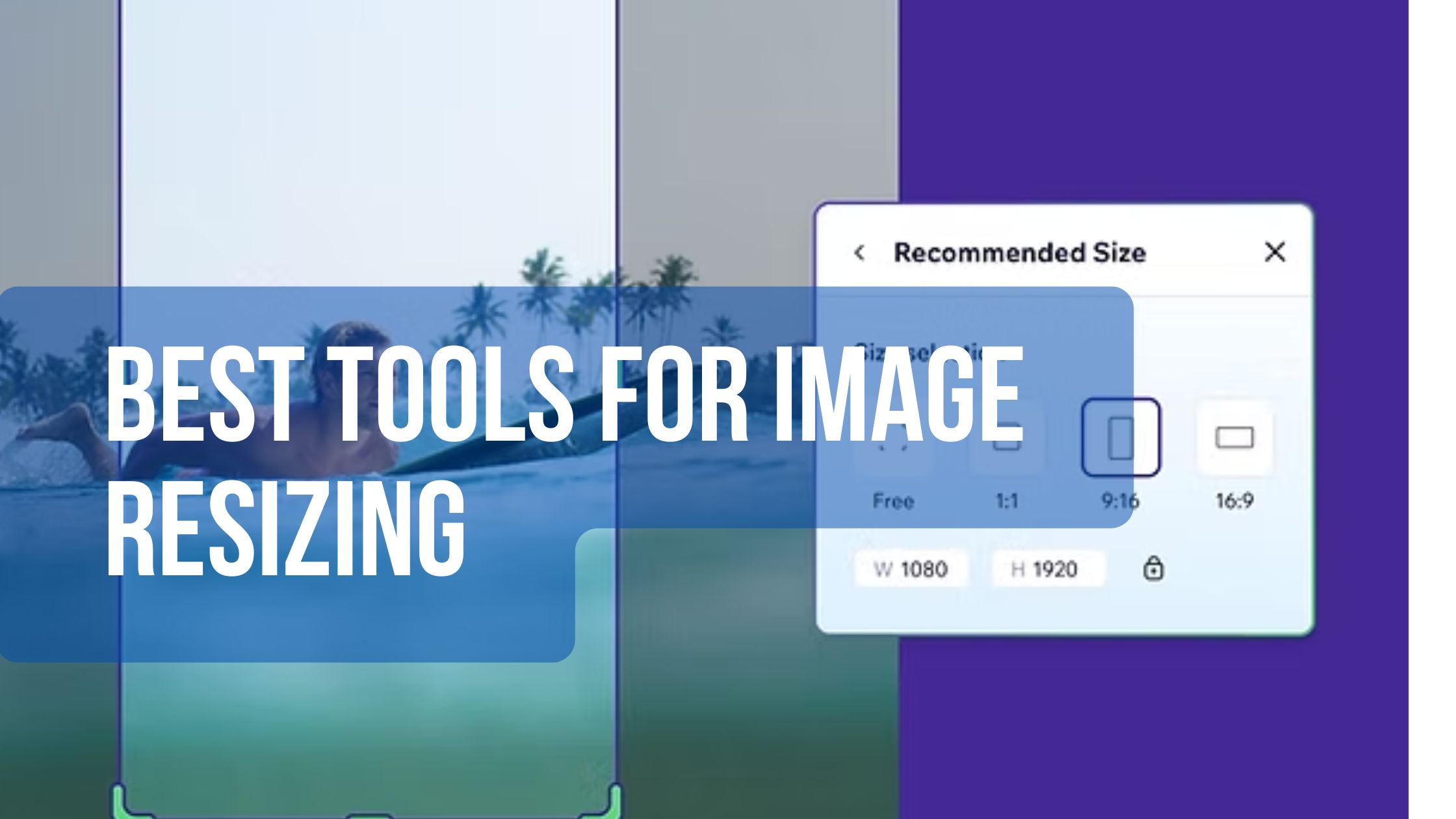
Don’t force your mobile users to download a massive 1600×900 image when they only need 800×600. It’s like ordering a large pizza for one person — wasteful and unnecessary. Scale your images to match their actual display size.
Let smart algorithms do the heavy lifting
Various tools use different algorithms for compressing images. How well compressed your images are will be determined by the algorithm of the tool you use. Luckily, tools like Uploadcare provide smart compression for your images by analyzing each image individually and applying the perfect amount of compression automatically, so you don’t have to worry.
Match your compression to your content
Got logos, text, or sharp graphics? Go lossless. Working with photographs or colorful illustrations? Lossy compression is your friend.
ImageOptim
If you’re on macOS and have a handful of images to optimize, ImageOptim runs your images through multiple optimization tools and gives you the best possible result. It’s like having a Swiss Army knife for image compression.
Kraken.io
When you need to compress more images, Kraken.io supports both lossy and lossless compression across multiple formats and can handle bulk processing of images.
TinyPNG/TinyJPG
These online tools have been around the block and know how to squeeze every unnecessary byte out of your images while keeping them looking sharp.
Conclusion
Image compression doesn’t have to be a choose-your-own-adventure between speed and quality. With the right approach, modern formats, and smart tools, you can deliver stunning visuals that load faster than ever.
The secret sauce? Finding the right balance for your specific use case and letting automation handle the heavy lifting. Whether you’re manually optimizing a few key images or setting up automated compression for thousands of user uploads, the techniques we’ve covered will help you create a faster, more engaging website.