
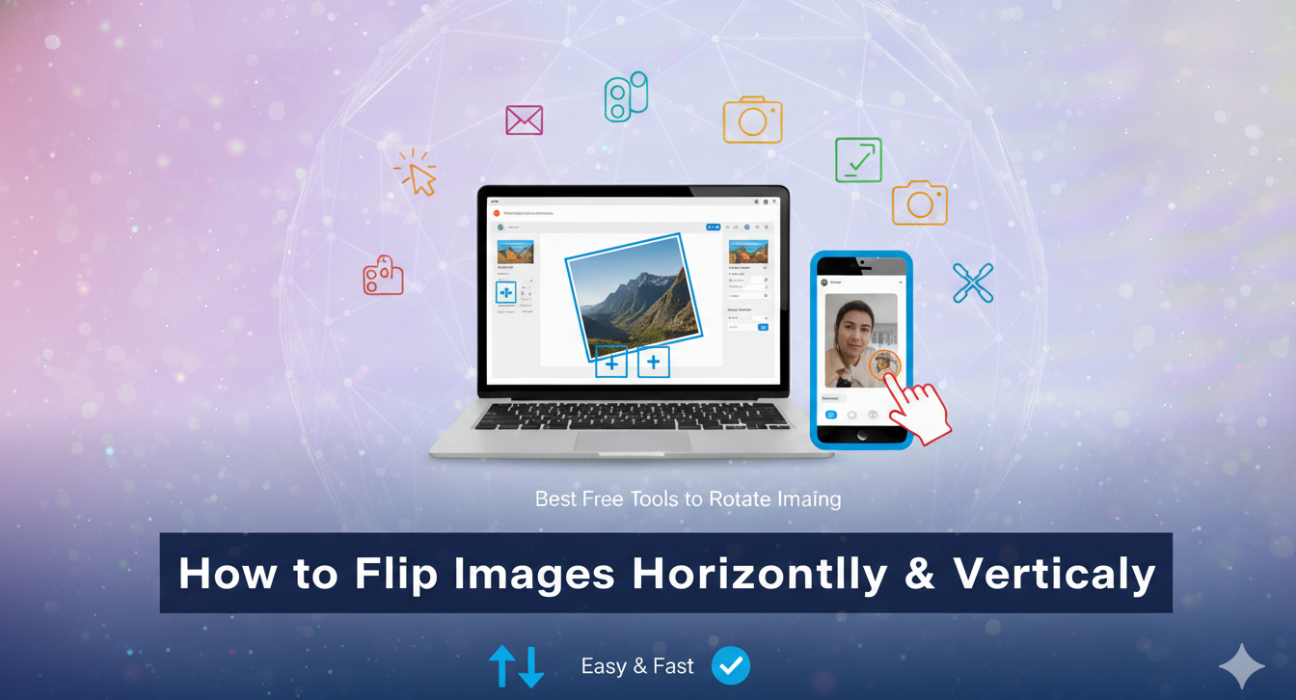
Flipping an image might seem like a simple task, but it opens up a world of creative possibilities. Whether you’re looking to create striking visual effects or simply adjust the orientation of your photos, mastering horizontal and vertical flips can elevate your photography game.
Imagine capturing that perfect sunset shot, only to realize later that you’ve got it upside down. Or perhaps you’ve taken a selfie where the lighting is just right, but you wish for a different perspective. This is where an online image flipper comes into play—your trusty tool for transforming images with just a few clicks.
Using tools like Imglarger or various mobile apps such as YouCam Perfect makes this process not only easy but also fun! Here’s how you can flip your images effortlessly:
ALSO READ: Instagram Post, Story & Reel Image Sizes in 2026 (Complete Guide)
Step 1: Upload Your Image
Start by dragging and dropping your desired photo into the editor. Most platforms support common formats like JPG, PNG, or WebP—so feel free to use any recent capture!
Step 2: Choose Your Flip Direction
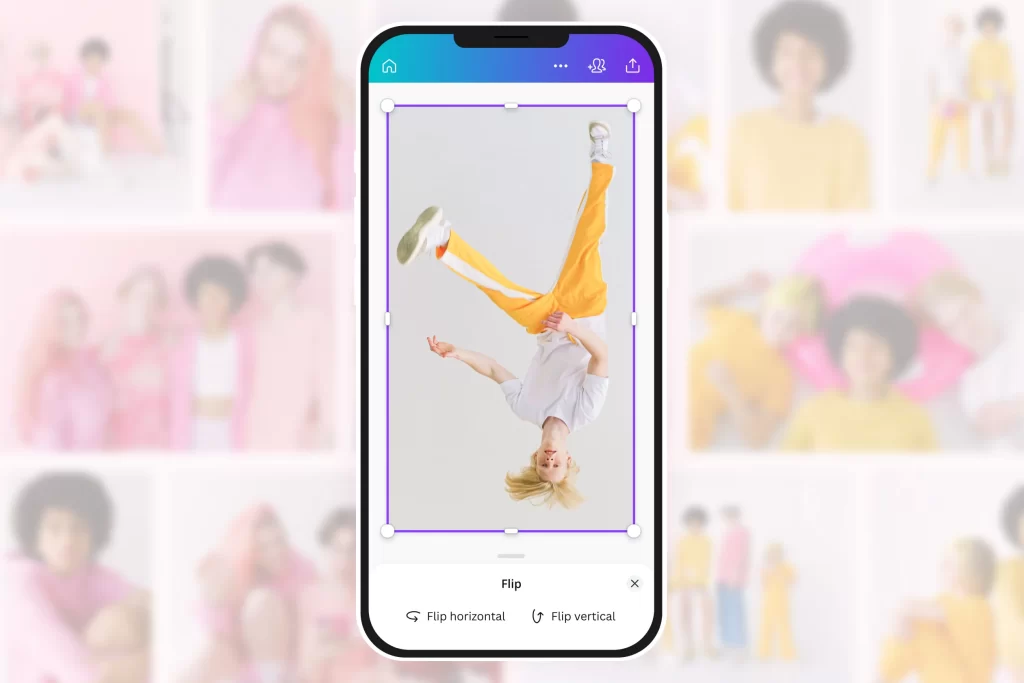
Once uploaded, decide whether you want to flip horizontally (left-to-right) or vertically (top-to-bottom). The horizontal flip creates a mirror effect; think about how intriguing it would be if someone gazed back at themselves in their own portrait! On the other hand, flipping vertically can produce captivating reflections reminiscent of serene water surfaces—a great technique for landscape shots.
Step 3: Download Your New Creation
After applying your chosen flip effect, hit ‘Done’ and download your newly transformed image. Voila! You now have an artwork that reflects not just what was captured but also enhances its aesthetic appeal.
But why stop there? Experimentation is key in photography. Artists often utilize these flipping techniques to explore new compositions and narratives within their work. A flipped image may reveal hidden details or evoke emotions previously unnoticed in its original form.
Moreover, don’t shy away from combining flips with filters and other editing options available on most apps today; they allow for even more artistic expression while maintaining simplicity in execution. In conclusion, the next time you’re sifting through countless photos trying to find ‘the one,’ remember that sometimes all it takes is a little twist—or rather—a flip! With these straightforward steps at hand along with some creativity sprinkled throughout, you’ll soon discover how versatile—and enjoyable—the art of flipping images can truly be.