
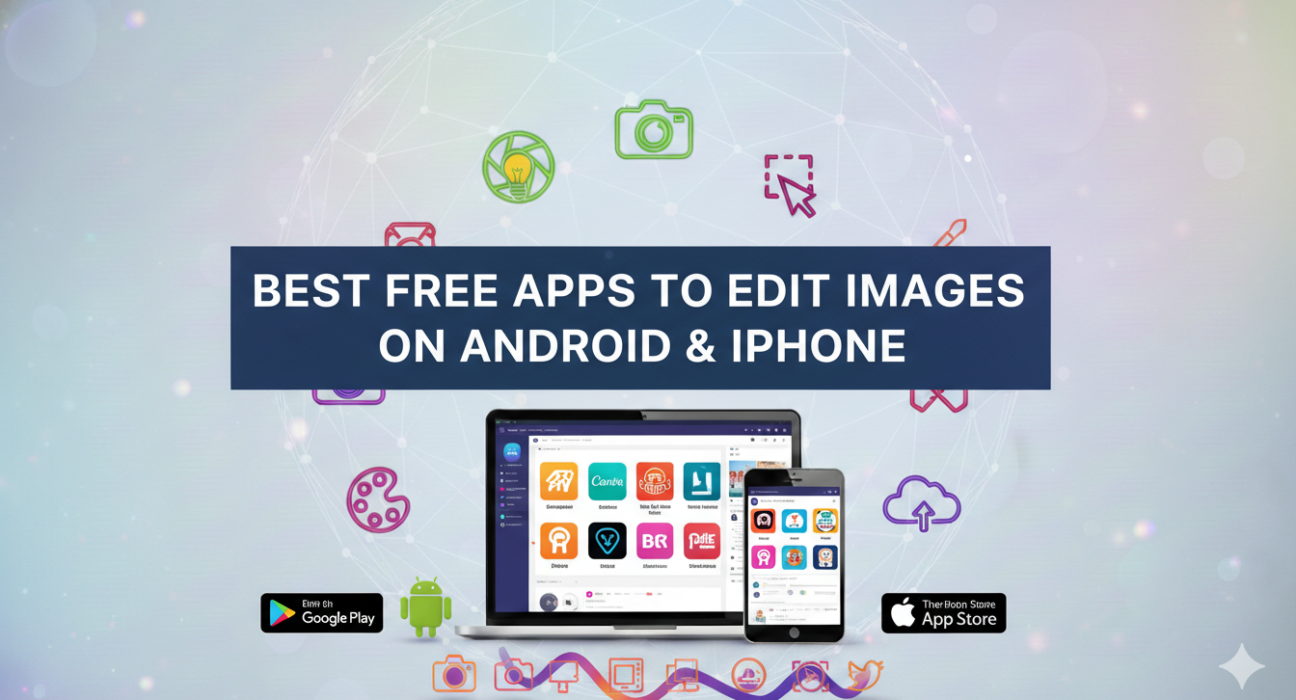
Whether you are an amateur photographer or a professional one, a photo editing app can help you a lot in polishing your photography skills. With the availability of so many applications, it might become overwhelming to decide which one to choose. In this article, you will learn about the top photo editing applications that can take your creativity and photography skills to the next level.
From editing pictures, creating animated GIFs to generating your AI avatar, these apps can help you a lot with photo editing. Let’s dive in and find out about the best photo editors in the market.
7 Best Free Photo Editing Apps
Snapseed: Best for editing videos

ALSO READ: Facebook Ad Image Size Guide: Updated Specs That Actually Work
Snapseed photo editor can be used for photo editing, video editing, and sharing them on different social media channels. It comes with some amazing photo editing features like enhancing face details, adjusting images saturation, adding retro effects, etc. Moreover, you can also tweak all the image styles as per your styling needs.
Features of Snapseed
- Offers 29 filters and tools for editing
- Automatically adjusts images exposure and color
- Adds plain and styled text in images
- Rotates and resizes images
- Offers graining effects for movies
Ratings: 8/10
Snapseed Pros and Cons
Pros
- You can also adjust the poses of portraits with 3D models in it.
- It offers types of brushes to adjust saturation, brightness, exposure, etc.
Cons
- It shows {could not save photo} pop-up message quite frequently.
Promeo: Best for creating videos for social media
Promeo is an easy-to-use photo editor that lets you create different types of photos and videos for your social media. You can choose from multiple templates that you can customize with several effects, font styles, and designs to suit your purpose. Promeo offers all the features you need to create engaging and creative social media posts.
Features of Promeo
- Offers 10,000+ templates to create social media posts
- Provides royalty free music
- Customizes the images with 100+ fonts
- Provides color palette to modify the color of graphics
- Generates videos for multiple social media platforms
Ratings: 9/10
Promeo Pros and Cons
Pros
- It lets you create stunning designs with several stock photos and images.
- You can cut an object from an image and add it to the template for future use.
Cons
- You cannot copy elements directly into the pictures with this image editor.
PicsArt: Best photo and video editing app

Picsart is an all-in-one platform that offers multiple tools to create, edit, customize, and share videos and images. It can help you in making professional looking collages, create AI avatars, enhance image quality, etc. The content created with this photo correction app can be easily shared across various channels like Facebook, YouTube, Instagram, Twitter, LinkedIn, etc.
Features of PicsArt
- Offers an AI image generator
- Automatically changes image background
- Trims and resizes videos
- Creates collages and slideshows
- Edits and designs videos
Ratings: 9/10
PicsArt Pros and Cons
Pros
- It provides 60+ million stickers that you can use for editing pictures.
- You can use it for creating a cartoon character of your photo.
Cons
- The app consumes a lot of memory.
YouCam Perfect: Best for AI based image editing

YouCam Perfect is a beauty camera and selfie editing app that lets you edit images with beautiful filters, animated effects, styles, and fonts. It offers an AI image generator to create and customize images through text. Some other tools you get with it include video editor, collage maker, sticker maker, drawing tools, and so on.
YouCam Perfect Features
- Offers object removal and background removal tools
- Adjusts photos with body tuner and blur tools
- Creates AI based avatars
- Offers various filters and effects for image editing
- Adds animated effects to your images
Ratings: 9/10
YouCam Perfect Pros and Cons
Pros
- You can layer up multiple images, stickers, and text to create collages.
- It lets you save photos in High Definition.
Cons
- You might find it difficult to resize images when added to grid.
Canva: Best for editing pictures for social media

Canva is a free online graphic designing software that you can use to create and edit social media posts, images, posters, presentations, logos, and a lot more. With it, you can create collages, change image background, sharpen images, adjust social media posts layout, and a lot more. Canva also provides 2M+ royalty-free images that you can use without any copyright issues.
Canva Features
- Trims, cut, and split videos
- Offers multiple templates to create photos
- Provides 25K+ pre-licensed music tracks
- Changes and removes image background
- Creates collages and slideshows
Ratings: 7/10
Canva Pros and Cons
Pros
- It can crop and resize images and videos to any dimension.
- The app offers 500+ fonts and effects to add text to images and videos.
Cons
- Sometimes, it shows errors during copy pasting designs on images.
Prisma: Best for adding effects in images
Prisma is a popular photo editor that helps you in converting your selfies into stunning color paintings. You can easily modify the image foreground, add frames to your images, create cartoon avatars of your selfies, and also change the surrounding views. It offers various painting styles like Dallas, Mosaic, and Gothic to create beautiful paintings.
Features of Prisma
- Offers 500+ effects and filters
- Provides 700+ painting styles
- Replaces or changes background
- Offers multiple frames for photos
- Enhances images with multiple beauty filters
Ratings: 5/10
Prisma Pros and Cons
Pros
- It adds multiple filters on a regular basis.
- You can also use it to segment your portraits.
Cons
- It hangs a lot while downloading the created images.
Pixlr Best for editing images with filters

Pixlr is a free online photo editor that you can use for editing and sharing photos. It comes with some interesting editing features like collage creation, color adjustment, image resizing, style and layout adjustment, selfie enhancement, etc. The created photos can be easily shared with friends on email, Facebook, Twitter, Instagram, or any other social media platform in a hassle-free manner.
Features of Pixlr
- Offers multiple templates
- Creates stunning animations
- Removes and modifies the background in seconds
- Provides a collage maker
- Comes with filters and effects to transform images
Ratings: 9/10
Pixlr Pros and Cons
Pros
- Offers creative tools to create artistic masterpieces.
- The app keeps on adding new templates every month.
Cons
- It crashes a lot when you open another window.
How To Choose the Best Photo Editing App
Selecting the best application for editing your pictures may not be an easy task with so many options available. You need to consider your requirements before selecting any of them. You can decide whether you need basic photo editing or advanced photo editing.
Next, you need to consider the pricing. Many tools will offer a free version having basic editing features. Whereas some photo editing tools will have premium plans and offer advanced editing features. Also, make sure the software you are planning to buy is easy to use and navigate.
How We Test the Best Photo Editing Apps on Our List
We have tested the listed apps based on following parameters:
- Customers ratings
- Compatibility with different operating systems
- Ease of usability
- Features availability
- Software update frequency
- Integrated stock content
Conclusion
You can choose from the multiple available photo designing apps to create stunning pictures. As you have seen, we have enlisted some of the best apps that you can use for photo editing. Based on the feature comparison, PicsArt and Canva are the best apps you can use to enhance your photo editing skills.