
🚀 Don't Miss This Important Resource! Our Advance Collection Of AI Tools
Explore All Tools Now !For designers, photographers, and content creators working with photos regularly, removing backgrounds can be frustrating without the right tools. Many users look for a free background remover solution that’s simple and easy. A reliable image background remover can save hours of manual editing. But I’ve found that finding a photo background remover that’s truly free and watermark-free is tough. In this guide, I’ll help you explore the best free options available.
Top 5 Free Background Remover
1. Clipdrop
Clipdrop is an AI-driven tool which makes image editing simple and boosts productivity with its wide range of features. Its dynamic features make it ideal for a wide range of industries and use cases.
I found the website really easy to use, it has a clean, intuitive design that doesn’t bombard you with too many options. You can click, paste, or even drag and drop up to 10 files at once to remove their backgrounds, which is super handy if you’re working with a bunch of images. That said, I wasn’t a fan of the sign-up requirement and the limited editing options, it made the process feel a bit more tedious than it needed to be. Despite that, there are some great features worth pointing out about Clipdrop:
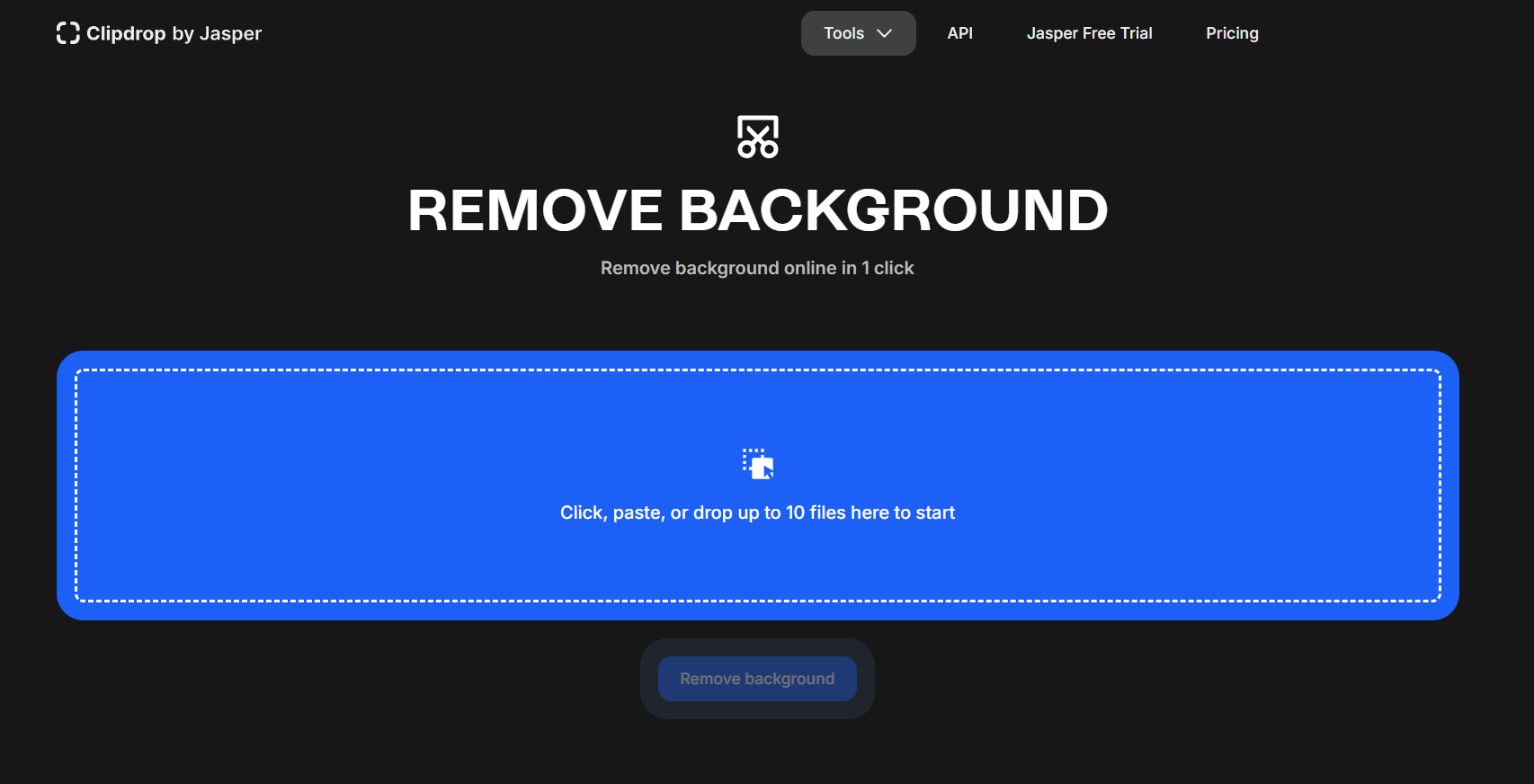
Clipdrop Remove Background Homepage
Features:
- Background Removal: Easily removes the background from any photo in just a few simple steps.
- Image Cleanup: Removes unwanted elements in your images and enhances specific parts of your photos.
- Upscaling: Enlarge your pictures while maintaining original quality, which is ideal for printing or high-resolution purposes.
- Stable Diffusion: Preserves the sharpness and clarity of your image when resizing without any distortion.
- Instant Capture: Take pictures using your phone’s camera and instantly drop them into the Clipdrop app on your computer.
Pros:
- Seamless and easy to use interface.
- Dynamic features for photo editing and enhancement.
- Mobile and desktop compatibility, allowing seamless work across all your devices.
- Good image upscaling capabilities.
Cons:
- Limited features for editing as compared to advanced software.
- Always requires an active internet connection for operation
2. Remove.bg
Remove.bg is a web-based application for removing backgrounds of any image you want. The platform is fully AI-powered, and it will do everything for you automatically. it offers a user-friendly interface that simplifies the task without overwhelming you with extra features.
The interface is clean and easy to navigate, with no clutter or overwhelming elements on the homepage. That said, the inability to edit multiple images at once was a major drawback, especially for users handling bulk tasks. After removing a background, you can add effects like blur or shadows, which adds some creative flexibility. However, the image compression was disappointing, making it less suitable for working with high-resolution images. I’ll be highlighting some of the main features of remove.bg here:
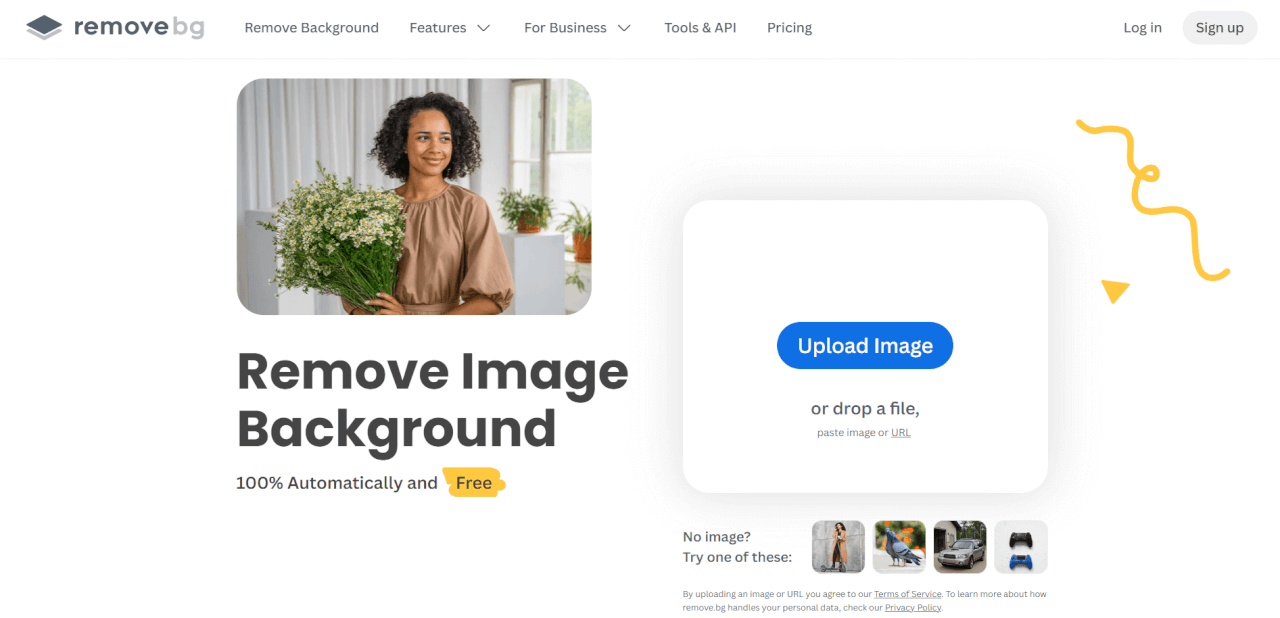
Removebg Home Page
Features:
- Background Removal: Uses AI to quickly and accurately remove the background from any photo.
- Erase/Restore: Easily brush away the parts you want gone and bring back any details you didn’t mean to remove.
- Blur and Shadow Effects: Add a soft blur to the background or a subtle shadow to make your image stand out and look more polished.
- Canva Integration: Instantly send your edited image to Canva, ready to drop into any design you’re working on.
Pros:
- Intuitive and user-friendly interface
- Security for your personal images
- Wide range of use cases
Cons:
- No Video Support
- Internet Requirement
- Low Image Quality
3. Microsoft Designer
Microsoft Designer is a practical design tool aimed at simplifying the creative process for everyday users. It uses AI to offer basic design recommendations and templates, which I found useful for projects like social media posts or presentations.
Microsoft Designer offers a lot of editing tools, including some impressive AI features. But for me, it wasn’t very beginner-friendly. The interface felt cluttered and confusing, even for something as simple as background removal. Navigating it was tough without prior experience, and needing to sign up to access AI tools made it even more tedious. Still, if you’re into advanced features and don’t mind a bit of complexity, it might be worth a try. Here are some of the main features you can explore in Microsoft Designer:
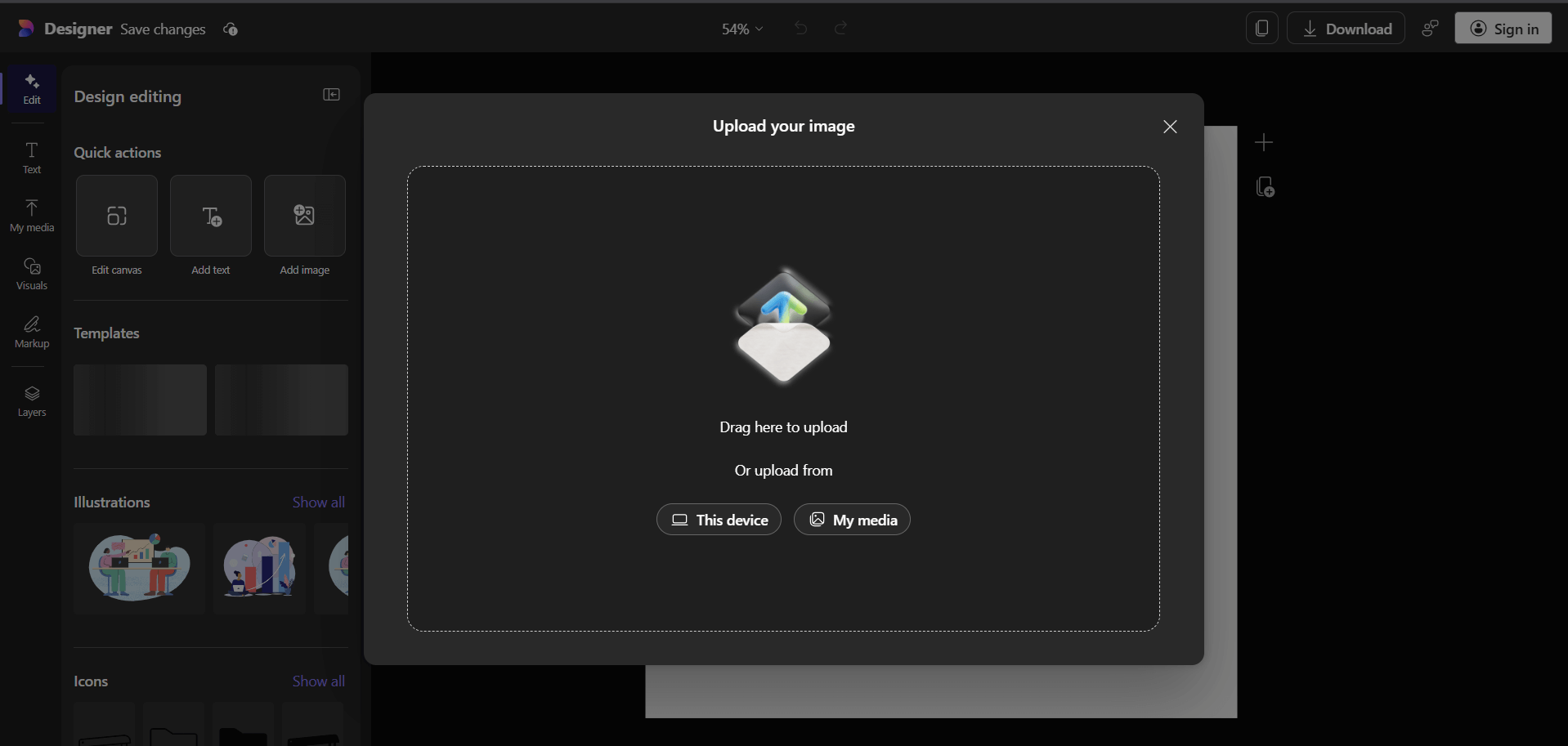
Microsoft Designer Background Remover
Features:
- Extensive Library: Provides a wide array of templates to boost your design process for your projects.
- Collaboration tools: Enables teams to work together in real-time, with sharing, commenting, and editing options to work on designs collaboratively.
- Cloud functionality: Allows you to access and edit your designs from any device, ensuring optimal flexibility.
- AI Tools: A diverse set of AI-powered features to enhance and edit your images with ease.
Pros:
- Comprehensive Asset Library
- Customizable Branding Kits
- Multi-Format Support
Cons:
- Overwhelming Interface
- Constant Internet Requirement
- Complicated Integration into Existing Workflows
- Resource-Intensive
4. Photoroom
Photoroom is a straightforward background remover and photo editing app for users who want quick and clean results without much trouble. It’s handy for tasks like creating product images or social media visuals.
I found Photoroom’s user interface to be beginner-friendly and easy to navigate, even if it’s your first time using it. However, the image processing felt slower compared to other tools, and frequent CAPTCHA verifications disrupted my workflow. On top of that, image compression was a major drawback, high-resolution downloads requiring a premium subscription, which is less than ideal for professionals. Despite these issues, the platform offers several useful features worth highlighting:
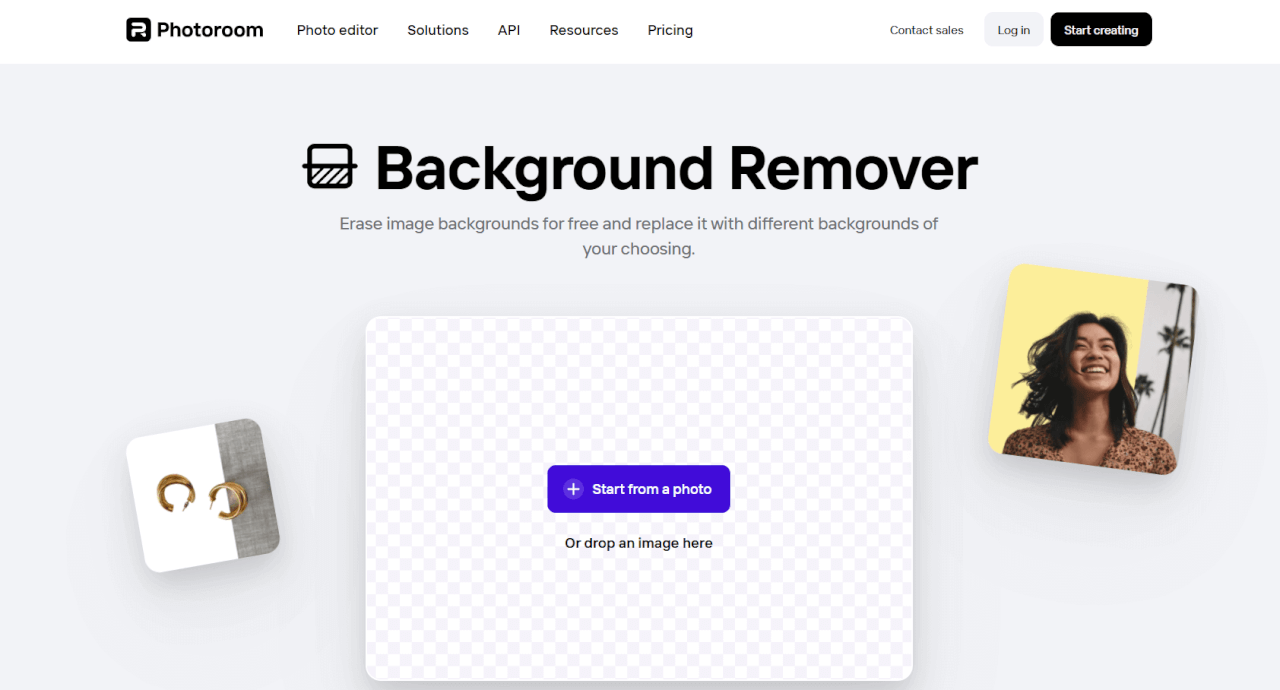
Photoroom Background Remover Home Page
Features:
- Backdrop Removal: Automatically removes unwanted objects or people from your photos
- Photo Editing: Adjustments for brightness, contrast, saturation; text overlay or a user logo; creative effects and filters.
- Templates and Designs: Wide array of pre-developed templates and designs in all kinds of formats.
- Bulk Editing: Editing changes can be applied simultaneously to many photos at once.
Pros:
- Intuitive and User-Friendly Interface
- Automated Tools
- High-Quality Image Editing
Cons:
- Limited Functionality
- Internet Requirement
- Paywall for Advanced Features
- Performance Issues
5. Toolsmart Background Remover
Toolsmart Background Remover is one of the wide range of AI tools offered by Toolsmart’s AI suite. It is a free online background remover designed for users who need quick and clean image cutouts. Toolsmart Free Background Remover offers a simple, user-friendly interface that makes background removal fast and easy. It’s especially useful for users who want high-quality results without signing up or dealing with watermarks.
My experience with Toolsmart’s background remover was seamless, a beginner-friendly interface which makes editing easy even for first-timers. The processing speeds were very fast and it dealt with fine details very well. It had no paywall for its features, allowing you full-access to its entire library for free. I’ll walk you through some of the notable features which I found very useful:
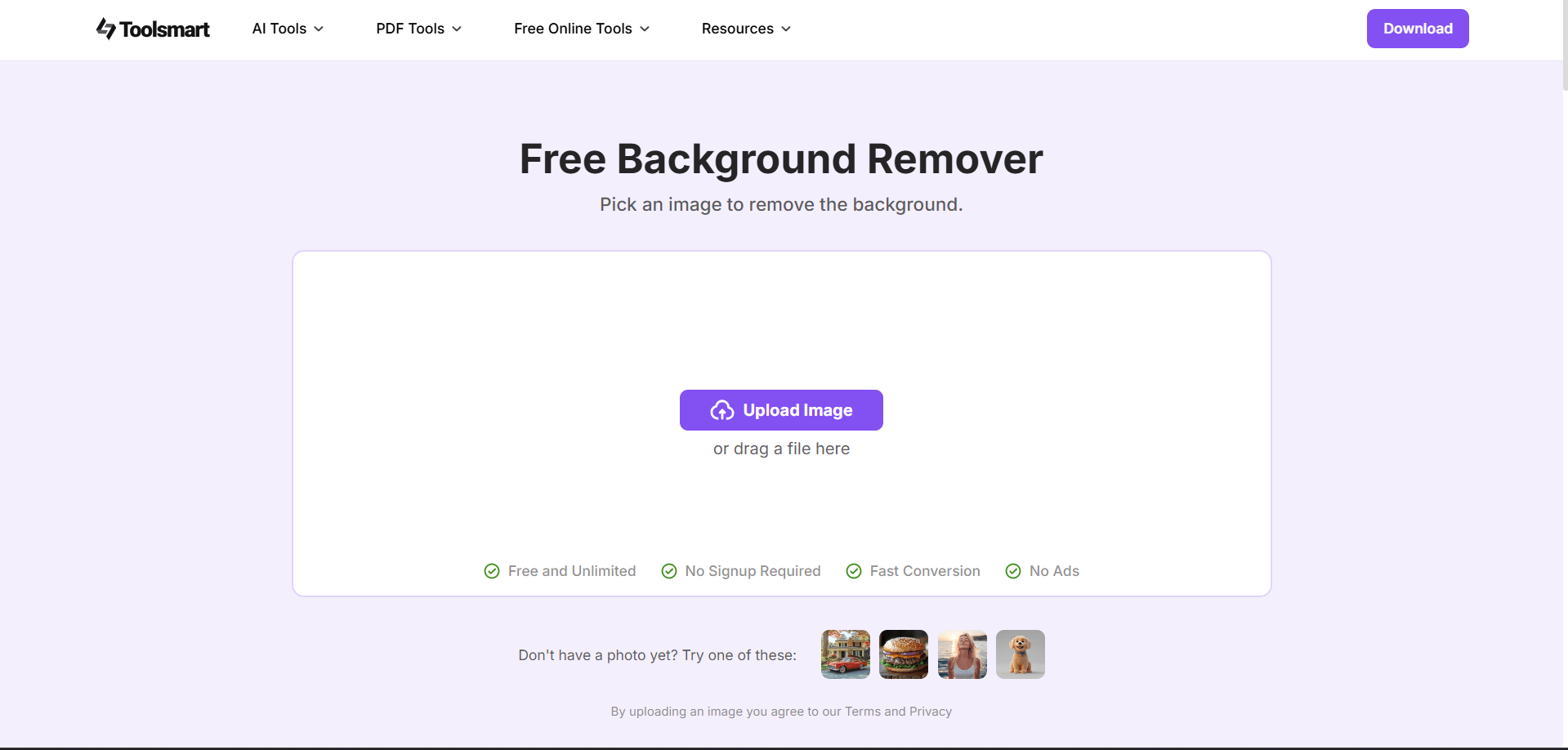
Toolsmart Free Background Remover Home Page
Features:
- AI-Powered Background Removal: Automatically removes backgrounds with high precision, handling complex elements like hair strands with ease.
- User-Friendly Interface: Designed for all skill levels, requiring no experience in image editing.
- Web-Based Accessibility: No need for software downloads; accessible easily from any device with an internet connection.
Pros:
- Completely Free of Cost
- Quick Processing
- High-Quality Images
- Free from Annoying Advertisements
- No Sign-Up Required
Cons:
- Requires Internet Connection
- Max 1500x1500px Resolution